Address: Mediaofficers, Preet Colony, Near Baweja Nursing Home, Rupnagar, Punjab 140001
Phone: +919501504089
Phone: +918968951854
Email: hello@mediaofficers.com

You’ve published great content. You’ve built backlinks. But your pages still aren’t ranking. Sound familiar?
For many website owners, the missing piece isn’t the content itself – it’s the technical foundation underneath it. Search engines like Google need to be able to find, read, and understand your website before they can rank it. If the infrastructure isn’t right, even the best content struggles to show up in search results.
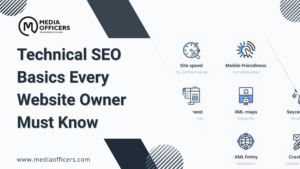
Technical SEO is the practice of optimizing your website’s backend structure so search engines can crawl, index, and rank your pages efficiently. It covers everything from site speed and mobile-friendliness to structured data and secure connections.
This guide breaks down the most important technical SEO basics for 2026 – what they are, why they matter, and how to implement them, even if you’re not a developer.
Technical SEO refers to optimizing the infrastructure of your website rather than its content. The goal is to make it as easy as possible for search engines to access, interpret, and rank your pages.
While on-page SEO focuses on what’s written on your pages, technical SEO focuses on how those pages are built and served. Key elements include:
A technically sound website helps search engines process your content faster – and rank it sooner.
Search engines can only rank pages they can access and understand. A website with technical issues may have pages that never get indexed, rankings that drop without explanation, and a user experience that drives visitors away.
The benefits of getting technical SEO right include:
Google has been explicit about prioritizing fast, secure, and well-structured websites. Neglecting the technical side of SEO puts everything else – your content, your links, your strategy – at risk.
Search engines send out automated bots, often called crawlers or spiders, to discover pages across the web. If those bots can’t reach your pages, those pages won’t rank.
To improve crawlability:
Google Search Console is the best free tool to check for crawl issues on your site. It shows which pages have been crawled, which haven’t, and why.
Crawling and indexing are two separate steps. Crawling means a bot has visited your page. Indexing means that page has been added to Google’s database and can appear in search results.
To ensure your pages get indexed:
noindex tags on pages you want to rankYou can do a quick check on how many of your pages are indexed by entering site:yourdomain.com into Google’s search bar.
An XML sitemap is essentially a roadmap of your website. It tells search engines which pages exist and helps them find new or updated content faster.
Best practices for your sitemap:
Most content management systems (CMS), including WordPress, generate sitemaps automatically through plugins like Yoast SEO or Rank Math.
The robots.txt file is a simple text file that tells search engine bots which pages or sections of your site they’re allowed to crawl – and which they should skip.
Common uses include:
A basic example for a WordPress site:
User-agent: *
Disallow: /wp-admin/
Allow: /wp-admin/admin-ajax.php
One critical warning: a misconfigured robots.txt file can accidentally block your entire site from being crawled. Always double-check before making changes.
Page speed is a confirmed Google ranking factor. Slow-loading websites frustrate users, increase bounce rates, and send negative signals to search engines.
Ways to speed up your site:
Tools to measure your speed:
Aim for a load time under three seconds on both desktop and mobile.
Google uses mobile-first indexing, which means it evaluates the mobile version of your website when deciding how to rank it. If your mobile experience is poor, your rankings will reflect that – regardless of how good your desktop site looks.
Your site needs:
Use Google’s Mobile-Friendly Test tool to check your site in minutes.
HTTPS encrypts the connection between your website and its visitors, protecting sensitive data. It’s also a confirmed ranking signal.
Sites still running on HTTP are flagged as “Not Secure” by modern browsers, which erodes trust and can increase bounce rates.
Benefits of switching to HTTPS:
Most hosting providers offer free SSL certificates through Let’s Encrypt, making the switch straightforward.
Structured data is code you add to your pages to help search engines understand the content more precisely. It can also trigger rich results – like star ratings, FAQs, or product prices – directly in the search results page.
Common schema types include:
Rich results tend to attract higher click-through rates, giving your pages an edge even when they’re not ranked first.
Broken links – pages that return a 404 error – create a frustrating user experience and waste your crawl budget. Redirect loops, where pages continuously redirect back and forth, are equally problematic.
Common issues to watch for:
Tools that help identify these errors:
Cleaning up these errors improves how efficiently search engines can crawl your site.
Site architecture refers to how your pages are organized and connected. A well-structured site makes it easier for both users and search engines to navigate.
Best practices:
Good architecture reduces the chance of pages being overlooked during a crawl and helps distribute ranking authority across your site.
Before publishing a new page or conducting a site audit, run through this checklist:
Covering these fundamentals gives your site a strong technical SEO foundation.
You don’t need to audit your site manually. These tools do the heavy lifting:
Running regular audits – every few months at minimum – keeps technical issues from building up unnoticed.
Even experienced webmasters make these errors. Avoiding them can make a significant difference in your rankings.
Each of these issues is fixable. Catching them early prevents long-term ranking damage.
Technical SEO continues to shift alongside changes in how search engines work. Key trends shaping the landscape right now include:
Websites built on a strong technical foundation are better positioned to adapt as these trends evolve.
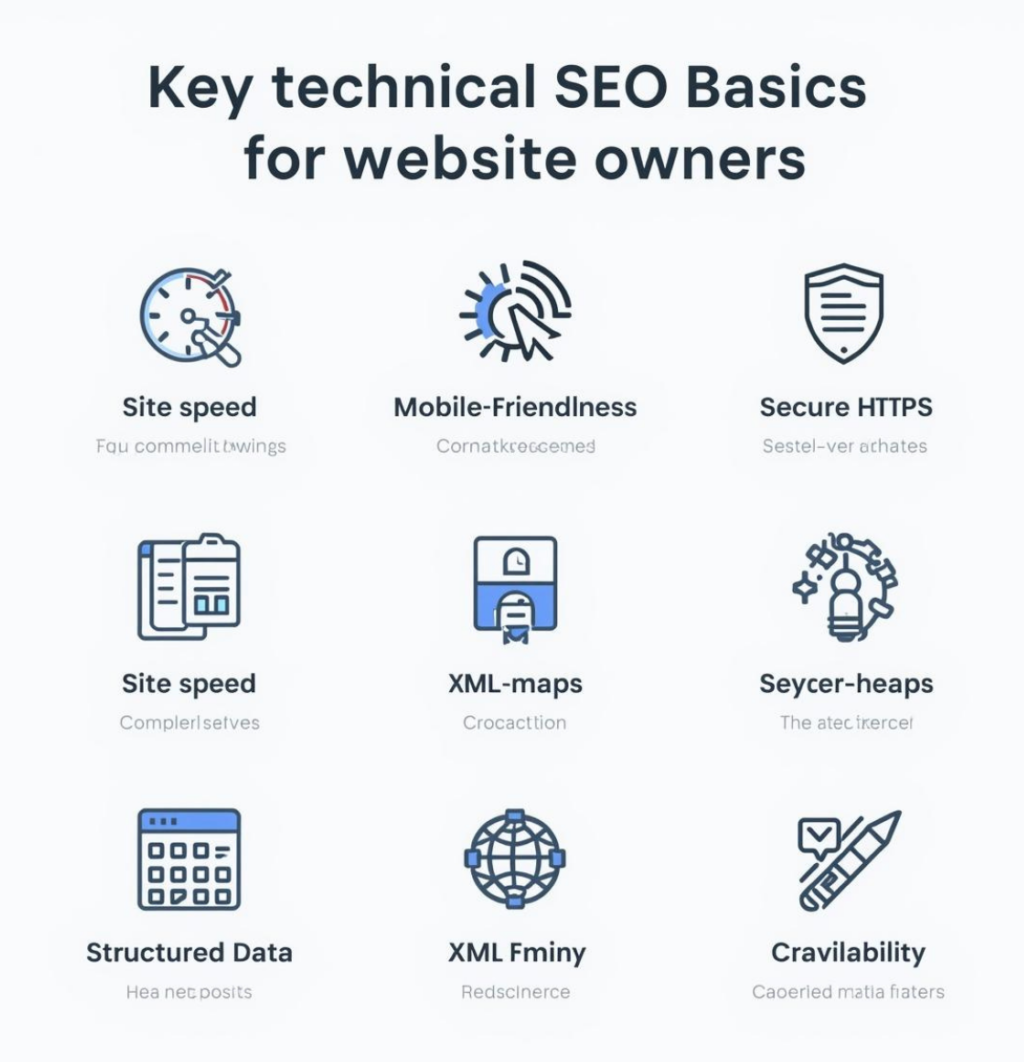
Technical SEO basics include optimizing website speed, crawlability, indexing, mobile-friendliness, HTTPS security, and structured data. These elements help search engines access and rank your pages effectively.
It can seem complex at first, but many core tasks – like submitting a sitemap, enabling HTTPS, or improving page speed – are straightforward with the right tools and a bit of guidance.
A full technical audit every three to six months is a good baseline. If you’re frequently publishing new content or making site changes, more regular checks are worthwhile.
Website speed, crawlability, and mobile-friendliness are consistently cited as the most critical factors – but they work best in combination with each other and the other elements covered in this guide.
Yes. A technically optimized website makes it easier for search engines to crawl and index your pages, which directly supports higher rankings. Without it, even strong content and backlinks may fall short.
Technical SEO is the infrastructure your entire online presence depends on. Without it, well-crafted content and carefully built backlinks may never deliver the results you’re working toward.
By implementing the basics outlined in this guide – crawlability, indexing, site speed, mobile-friendliness, security, and structured data – you create the conditions for everything else to succeed.
If your website has crawl errors, slow load times, or indexing issues, the MediaOfficers team can help. Our SEO experts provide in-depth technical audits and hands-on optimization to help businesses improve performance and rank higher on Google. Visit MediaOfficers to get started.